Typing Accuracy Test: Find and Fix Your Mistakes
Learn how a typing accuracy test works, understand your results, identify common mistakes, and follow practical exercises to improve your typing accuracy.
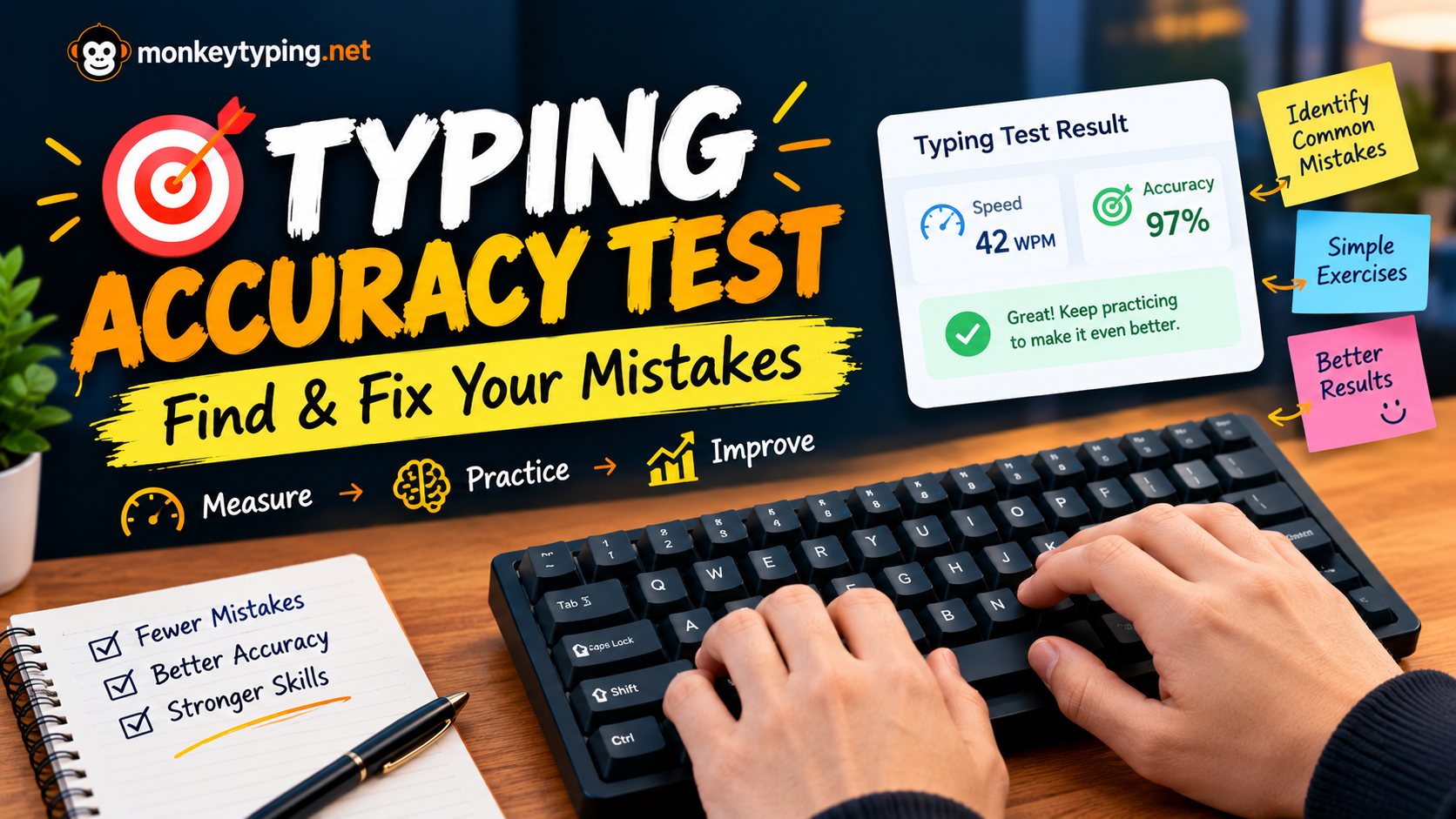
Typing faster is a common goal, but speed is only useful when you can type the correct words. If you regularly hit the wrong keys, miss letters, or need to correct mistakes, your typing performance may suffer even when your WPM looks impressive.
A typing accuracy test helps you understand how reliably you type a given passage. Instead of guessing whether your keyboard skills are improving, you can use a measurable result to identify what needs work.
Whether you are learning touch typing, preparing for a typing exam, or trying to improve your everyday productivity, measuring accuracy gives you a practical starting point.
Start by taking a typing test on Monkey Typing. Record your WPM and accuracy, then use the exercises in this guide to work on your most common mistakes.
What Is a Typing Accuracy Test?
A typing accuracy test measures how closely your typed text matches the text you were asked to reproduce. Depending on the test's scoring method, it may evaluate correctly typed characters, incorrect characters, or mistakes remaining in the final text.
For example, imagine typing a passage containing 500 characters. If 475 characters are correct and 25 are incorrect, your character-based accuracy would be 95%, assuming the test uses those counts.
Accuracy helps answer an important question: how much of what you type is correct?
WPM measures typing speed, while accuracy measures correctness. Looking at both gives you a more useful picture of your performance than looking at speed alone.
How Is Typing Accuracy Calculated?
A common character-based formula is:
Typing accuracy = (Correct characters ÷ Total characters typed) × 100
For example, suppose a test records 480 correct characters out of 500 total typed characters.
| Measurement | Value |
|---|---|
| Correct characters | 480 |
| Total characters typed | 500 |
| Incorrect characters | 20 |
| Accuracy | 96% |
Calculation:
480 ÷ 500 × 100 = 96% accuracy
This example illustrates a character-based method. Actual typing websites may use different scoring rules, particularly when corrected errors, omitted characters, extra characters, or word-level errors are handled differently. Always check the scoring method of the test you are using before comparing results across websites.
Does correcting a mistake affect accuracy?
It depends on the test.
Some typing tests count errors that occur during typing, even if you correct them. Others calculate accuracy from the text remaining at the end of the test. In the second case, a corrected mistake might no longer count against final accuracy, although the time spent correcting it can still reduce your speed.
This is why two typing tests may show different accuracy scores for the same typing performance.
For meaningful progress tracking, use the same test and settings whenever possible.
What Is a Good Typing Accuracy Percentage?
There is no single accuracy threshold that applies to every typing task. The appropriate target depends on your experience, the difficulty of the text, and whether you are typing casually, taking an exam, or producing important documents.
The following ranges are useful practice guidelines, not universal industry standards.
| Accuracy | General interpretation | Suggested focus |
|---|---|---|
| Below 90% | Frequent errors | Slow down and identify recurring mistakes |
| 90–94% | Developing accuracy | Practice difficult keys and common words |
| 95–97% | A useful practice baseline | Build consistency while gradually increasing speed |
| 98–99% | High accuracy | Maintain control while working on speed |
| 100% | Error-free result under the test's rules | Repeat tests to check consistency |
A single result does not define your typing ability. Text difficulty, punctuation, unfamiliar vocabulary, and test duration can all affect performance.
If your accuracy drops on a difficult passage, use the result to decide what to practice next instead of treating it as a failure.
How to Take a Typing Accuracy Test Correctly
To make your result useful, follow a consistent testing process.
Step 1: Choose a suitable test duration
Start with a short test if you are a beginner or want a quick baseline. A 30-second or 60-second test can help you assess your current performance without requiring a long session.
Longer tests can reveal whether you maintain accuracy over time, especially when fatigue or concentration becomes an issue.
Step 2: Type at your normal, controlled pace
Do not try to set a personal speed record during your first measurement. Type at a pace you can manage comfortably, and avoid deliberately rushing through difficult words.
The goal is to measure your current performance, not to produce an unusually fast result.
Step 3: Record your results
Write down your accuracy, WPM, test duration, and any mistakes you noticed.
For example:
| Session | Duration | WPM | Accuracy |
|---|---|---|---|
| Test 1 | 60 seconds | 35 | 92% |
| Test 2 | 60 seconds | 33 | 96% |
| Test 3 | 60 seconds | 34 | 97% |
These sample results show how accuracy can improve even when speed changes slightly. They are illustrative, not real Monkey Typing test results.
Step 4: Identify your most common errors
Ask yourself:
Which letters did I mistype?
Did I miss or add letters in longer words?
Did I forget spaces between words?
Did I make capitalization or punctuation mistakes?
Did I rush when a sentence became difficult?
Did my accuracy decline near the end of the test?
Choose one or two patterns to work on first.
Step 5: Retest using the same settings
After practicing, take another test with the same duration and comparable text difficulty.
Compare the results to see whether your accuracy has improved. Repeat the process over several sessions to distinguish consistent progress from a one-time good result.
Common Typing Mistakes and How to Fix Them
Different mistakes often need different kinds of practice. The first step is to recognize which pattern appears most frequently in your results.
1. Pressing the wrong key
You might type a neighboring letter because your finger reaches too far or you have not developed a reliable movement for that key.
How to fix it:
Identify the letters you confuse most often.
Practice words containing those letters at a comfortable pace.
Focus on using consistent finger placement.
Gradually return to normal typing speed once the movement feels more reliable.
For example, if you regularly confuse n and m, practice words such as “name,” “many,” “number,” and “memory.”
2. Missing or adding letters
Words with several letters or unfamiliar combinations can be difficult to reproduce accurately. You might leave out a letter, repeat one accidentally, or type two letters in the wrong order.
How to fix it:
Practice the complete word rather than only its individual letters.
Try words such as:
different
necessary
beginning
comfortable
experience
Read each word, type it carefully, and compare the result with the original. Repeat only the words that cause problems.
3. Making mistakes with spaces
Extra spaces, missing spaces, or inconsistent spacing can affect the accuracy of a passage and make the final text harder to read.
How to fix it:
Practice short sentences and pay attention to the transition between words. Treat the spacebar as part of your normal typing rhythm rather than an afterthought.
Example:
“The student practices typing every day.”
Type the sentence slowly enough to maintain the correct spacing, then repeat it without looking at the keyboard.
4. Forgetting capitalization and punctuation
Capital letters, commas, apostrophes, quotation marks, and other punctuation can interrupt your rhythm, particularly if you rarely practice them.
How to fix it:
Include complete sentences in your practice. Pay attention to the Shift key, punctuation placement, and the way each sentence ends.
For example:
“After lunch, I finished my work and sent the report.”
Practicing realistic sentences helps you prepare for text that is more complex than a list of simple words.
5. Looking down at the keyboard
If you repeatedly look at your hands to locate keys, you may interrupt your reading flow and lose your place in the passage.
How to fix it:
Start learning touch typing if you have not already done so. Practice locating keys through consistent finger placement and gradually reduce how often you look down.
Do not expect the transition to be immediate. Focus on correct movements first, even if your speed temporarily decreases.
6. Typing too quickly
Trying to type faster than your current technique allows can lead to repeated mistakes, especially when you encounter unfamiliar words or difficult letter combinations.
How to fix it:
Reduce your pace until you can type comfortably with fewer errors. Once that level becomes consistent, increase speed gradually and check whether accuracy remains stable.
The objective is not to type slowly forever. It is to develop a reliable pace from which you can build speed.
Practical Exercises to Improve Typing Accuracy
Use the following exercises to turn your test results into a focused practice session.
Exercise 1: Practice difficult letter combinations
Choose two or three letter combinations that frequently cause errors.
Examples include:
th— think, three, anothering— typing, learning, practicingtion— action, direction, correctionough— thought, enough, through
Type each word carefully. Pay attention to the transition between letters rather than trying to complete every repetition as quickly as possible.
If a particular combination is already easy for you, replace it with one from your own error pattern.
Exercise 2: Type common words accurately
Common words appear frequently in everyday writing. Practicing them can help you develop more consistent movements.
Try this list:
the, and, with, from, have, that, because, their, people, practice
Type each word several times while checking spelling and letter order. Avoid repeatedly copying a word incorrectly just to maintain speed.
Exercise 3: Practice complete sentences
Individual words are useful for isolating problems, but sentences require you to manage spaces, punctuation, capitalization, and reading flow.
Practice this passage:
“Good typing habits develop through regular practice. Read each sentence carefully, keep your fingers relaxed, and focus on accuracy before increasing your speed.”
After typing it, compare your version with the original and identify any differences.
Exercise 4: Complete an accuracy-focused timed test
Take a one-minute typing test with one main goal: maintain controlled, accurate typing.
After the test:
Record your WPM and accuracy.
Identify the most noticeable mistakes.
Choose one problem to practice.
Repeat the exercise with new text.
Compare your results with the original test.
Avoid repeating the same passage until you memorize it. Using new text helps you check whether your accuracy is improving beyond one familiar example.
A Simple 7-Day Typing Accuracy Practice Plan
You do not need to spend hours practicing every day. A short, focused session can help you identify problems and work on them consistently.
| Day | Practice focus | Suggested activity |
|---|---|---|
| 1 | Establish a baseline | Take a typing test and record accuracy and WPM |
| 2 | Difficult keys | Practice the letters you mistype most |
| 3 | Word accuracy | Work on words with missing, extra, or misplaced letters |
| 4 | Spacing and punctuation | Type complete sentences carefully |
| 5 | Typing rhythm | Practice maintaining a comfortable, steady pace |
| 6 | Mixed practice | Combine difficult words and complete sentences |
| 7 | Measure progress | Retake a comparable test and compare your results |
Adjust the amount of practice to your skill level. Ten focused minutes may be a useful starting point, but you can take breaks or practice for longer if it remains comfortable.
The purpose of the plan is to create a repeatable process: measure, identify, practice, and measure again.
Typing Accuracy vs. Typing Speed: Which Should You Improve First?
If your accuracy is consistently low, it usually makes sense to work on accuracy before pushing for a higher WPM.
Typing speed and accuracy are connected, but they measure different aspects of performance. A faster attempt with frequent mistakes may not produce as much correct text as a more controlled attempt.
Consider this illustrative comparison:
| Result | Typist A | Typist B |
|---|---|---|
| Gross speed | 50 WPM | 42 WPM |
| Accuracy | 90% | 98% |
These figures show gross speed and accuracy as separate measurements. They should not be used to calculate an exact net WPM unless the test's scoring rules are known.
Typist A has the higher gross speed, while Typist B makes fewer mistakes. Which result is better depends on the task and the test's scoring method.
For everyday typing, aim for a balance that lets you produce correct text efficiently. If you already maintain high accuracy, gradually increasing speed may be the more useful next step.
For more guidance, read our related article: Typing Accuracy vs. Speed: Which Should You Focus on First?.
How Often Should You Take a Typing Accuracy Test?
You can take a short test at the beginning of a practice session to establish a baseline, then use another test at the end to evaluate your performance.
However, testing alone does not automatically improve accuracy. The most useful part is reviewing mistakes and practicing the movements or words that cause them.
A practical session might look like this:
2 minutes: Warm up with comfortable typing.
1 minute: Take a timed test.
4 minutes: Practice your most common mistakes.
2 minutes: Type sentences containing the difficult words.
1 minute: Retest and compare your results.
This ten-minute routine is a starting point, not a strict requirement. Adjust it based on your needs, and take breaks if your hands feel uncomfortable or your concentration drops.
Final Thoughts
A typing accuracy test is most useful when you treat the result as feedback rather than simply a score. It can show you whether you are making frequent mistakes, where your technique needs attention, and how your performance changes with practice.
Start with a baseline test, choose one recurring problem, and practice it deliberately. Retest under comparable conditions and look for consistent improvement in accuracy and usable speed.
Ready to measure your typing performance? Visit Monkey Typing and take a typing test. Record your result, work on your weakest areas, and use your next test to see what has changed.
Accurate typing develops through consistent practice. Focus on making each keystroke more reliable, and let speed improve as your technique becomes more controlled.
Frequently asked questions
What is a good typing accuracy score?
An accuracy score of 95% or higher is a useful practice target for many learners, while 98–99% can be a more ambitious goal. The right target depends on the task, text difficulty, and scoring method.
How can I improve typing accuracy quickly?
Start by slowing down enough to type comfortably. Identify your most common errors, practice the specific letters or words that cause them, and retest using comparable settings. Progress varies by person and practice consistency.
Does typing speed affect accuracy?
It can. When you type faster than your current technique allows, mistakes may become more frequent. Increasing speed gradually while monitoring accuracy can help you find a more reliable pace.
Why is my typing accuracy different on different websites?
Typing tests may use different passages, timers, scoring methods, and rules for corrected mistakes. Compare results using the same website and settings whenever possible.
Should I correct mistakes during a typing test?
Follow the rules of the particular test. Some tests allow corrections, while others restrict them or score corrected mistakes differently. During practice, correcting an error carefully can help reinforce the right movement, but you should understand how corrections affect the final result.
Can I improve typing accuracy without learning touch typing?
Yes, you can practice accuracy using your current typing method. However, learning consistent finger placement and touch typing may help you reduce unnecessary keyboard searches and build more reliable movements over time.
How long does it take to improve typing accuracy?
There is no fixed timeline. Your starting skill, the type of errors you make, practice frequency, and the difficulty of your material all influence progress. Track results over multiple sessions rather than judging improvement from one test.
Is a one-minute typing accuracy test enough?
A one-minute test is useful for a quick measurement, but it may not reveal how well you maintain accuracy over a longer period. Use longer tests occasionally if your goal involves sustained typing.
Was this guide useful?
Your vote is anonymous and helps us decide what to write next.